
Free trial
€0
2 HD exports after signup, with selected Duo screenshots and iPhone with Dynamic Island (medium display, 6.3") required. No card.
iPhone Duo · App Store Connect
Drop in your app's screenshots: DuoShot spots what would block App Store Connect (rejected size, transparency, text under the fold) and exports the 1398×2034 and 2007×2853 Duo sizes as a ZIP.
Outer display, inner display, or both: your choice. Free trial, no card required.
Demo: a closed-screen and an open-screen screenshot are dropped into DuoShot, which imports and checks them, then flags three blocking issues: text under the fold, a size App Store Connect rejects, and a transparent edge.
iPhone 6.3″: 1206 × 2622 · iPhone 6.9″: 1320 × 2868 (optional)
Harbor · fictional app
The iPhone Duo inner panel is 1878 × 2670 pixels; export screenshots at the App Store Connect size 2007 × 2853, not the panel’s native resolution. Apple tech specs: outer display and inner display
Before / after
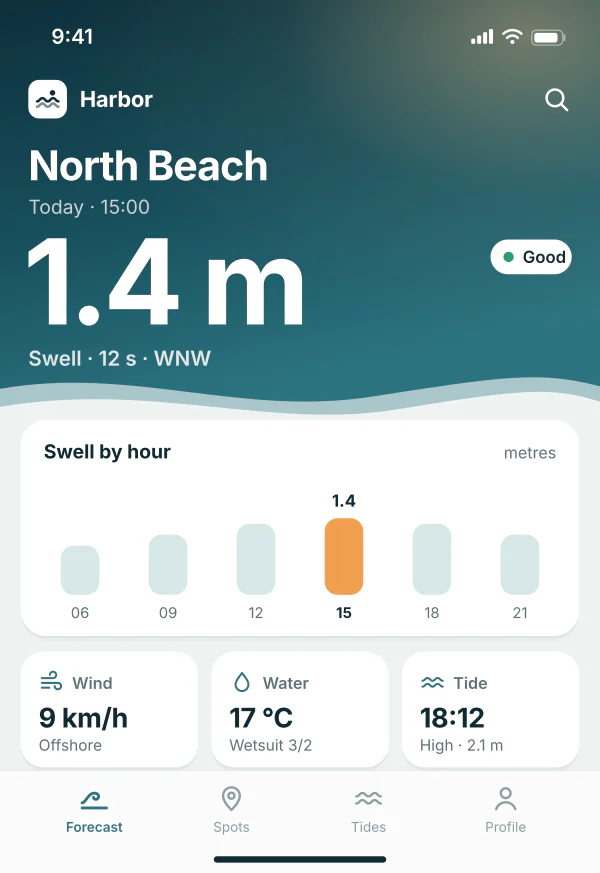
On the left, a raw open-screen capture as you import it. On the right, the file DuoShot exports: exact size, opaque, and reframed to clear the fold.
1920 × 2560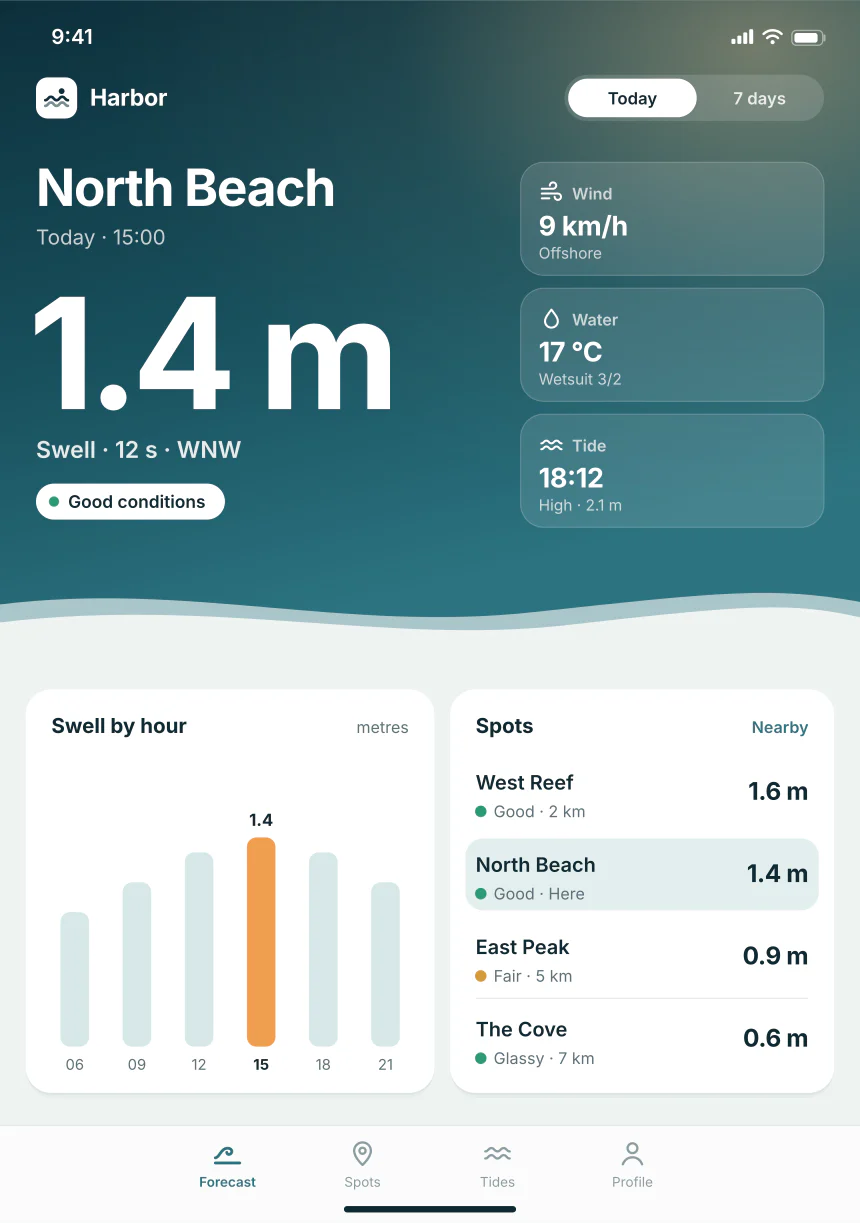
2007 × 2853Same work on the closed screen
Inside the example ZIP · Harbor, outer + inner
exampleapp/duo-outer-portrait/01.png1398 × 2034263 KBexampleapp/duo-inner-portrait/01.png2007 × 2853424 KBexampleapp/duo-outer-portrait/02.png1398 × 2034273 KBexampleapp/duo-inner-portrait/02.png2007 × 2853400 KBexampleapp/duo-outer-portrait/03.png1398 × 2034118 KBexampleapp/duo-inner-portrait/03.png2007 × 2853224 KBexampleapp/README.txtreport1 KBDrop in closed and open captures. Every pair stays aligned, from the first to the tenth.
Inspect every screen at pixel level. Adjust framing, legibility and the hinge.
The report separates technical checks, visual alerts and your confirmations.
Fixing them before submission can save back-and-forth and days of delay.
With Studio, share a temporary review and collect a decision on the set before delivery.
Start without a card: iPhone with Dynamic Island (medium display, 6.3") required. Choose Pass, Indie or Studio for more exports and the optional 6.9″ size.
Without an account: previews, checks, and an example ZIP. 2 HD exports after signup, including iPhone with Dynamic Island (medium display, 6.3") required.
€0
2 HD exports after signup, with selected Duo screenshots and iPhone with Dynamic Island (medium display, 6.3") required. No card.
€19
one-time
Indie access for 30 days, for a single launch: no subscription, no renewal.
€12 / month
Up to 100 HD exports per day, optional 6.9″ sizes, and multiple sets.
For teams
Everything in Indie plus 3 seats and a 7-day client review workflow.
3 seats · reviews active for 7 days
Prices shown in euros. VAT not applicable (French VAT franchise, art. 293 B CGI): the price shown is the price you pay.
Compare plans in detailScreenshot issues can lead to corrections and back-and-forth with Apple, delaying your release by days. DuoShot checks file dimensions and format, flags framing and similarity issues to examine, and helps you review legibility near the fold before submission. It cannot detect every issue: you must confirm that the screenshots accurately show your app in use. DuoShot guarantees neither approval nor a review time; Apple makes the final decision.
AI can help create or resize an image, but it cannot confirm on its own that the screenshots show the real app in use, that the closed and open screens tell the same story, and that text remains legible near the fold. DuoShot prepares the files and flags items to review; a person makes the final content decision.
Outer display: 1398×2034 (portrait) and 2034×1398 (landscape). Inner display: 2007×2853 and 2853×2007. iPhone with Dynamic Island (medium display, 6.3") required for App Store Connect, included in the free trial: 1206×2622 and 2622×1206. Connect also accepts 1179×2556 and 2556×1179; DuoShot exports 1206×2622 or its landscape. Optional 6.9″ (Pass / Indie / Studio): 1320×2868, 1290×2796, 1260×2736 and their landscapes.
No. DuoShot composes from your PNG/JPEG files. No device, no simulator.
One file per screen (closed / open), at the exact dimensions. No device chassis or frame around the screenshot.
Open access includes preview, checks, and an example ZIP. Free trial includes 2 exports after signup, no card, with selected Duo screenshots and iPhone with Dynamic Island (medium display, 6.3") required. The 6.9″ size is optional with Pass, Indie and Studio. Indie is €12/month or €120/year. Studio is €49/month or €490/year with 3 seats and a 7-day client review. Annual billing includes 2 months free compared with monthly billing.
Opaque RGB PNG by default. JPEG quality 90 optional. Review the exported dimensions and appearance.
In DuoShot, choose outer only, inner only, or a mix: 1 to 10 opaque PNG/JPEG files in total across the outer and inner displays. This is a DuoShot limit; Apple accepts up to 10 screenshots per device size. A warning appears below 3 visuals. One orientation per set.
Only for processing: sources and ZIPs expire after 24 hours; review media after 7 days or revocation. Server cleanup is scheduled every 15 minutes, with retries on failure. Local drafts remain on your device.
The 3 Studio seats share the subscription, daily quota, and client review links. Drafts stay saved on each device; share a set by exporting its ZIP or sending a review link.
Sources and ZIPs expire after 24 hours. Server cleanup is scheduled every 15 minutes; drafts stay on this device. Privacy · We do not guarantee Apple will accept a set.